Export your Kajabi data in one click.
Sidecar adds instant CSV, Excel, JSON, a branded PDF report and on-page insights — plus a Full export that pages through every contact with every field — right above your Kajabi tables. The data Kajabi makes you wait on, in your downloads now.
Free on the Chrome Web Store · now live. Not affiliated with Kajabi.
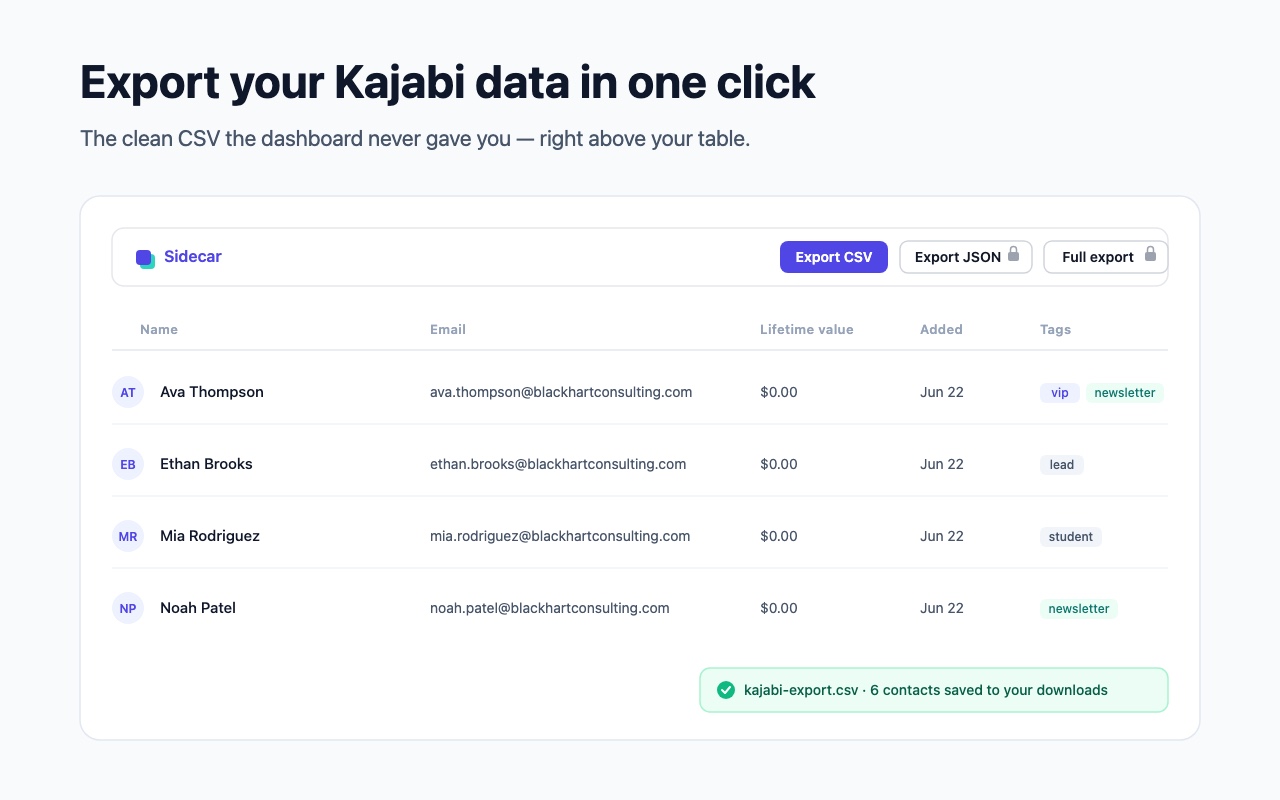
Your Kajabi data, finally portable
Kajabi shows your numbers but won't let you take them. Sidecar fixes that — without leaving the dashboard.
CSV & Excel
Export any Kajabi table — people, sales, analytics — to a clean CSV (free) or a formatted Excel .xlsx in seconds.
PDF report & Insights
A branded contacts & revenue report, plus on-page totals and your top contacts — right above the table.
Full export — all pages
Every field Kajabi stores per contact — phone, address, tags, custom fields — across every page, not just the columns on screen.
Private by design
Everything runs in your browser. No analytics, no servers — your data never leaves your device.
Full export pulls every field, across every page
Kajabi's contact list shows six columns, one page at a time. The rest — phone, address, tags, custom fields — lives on each profile. Sidecar's Full export pages through your whole list and gathers all of them, for every contact, beating Kajabi's slow emailed export. And because Sidecar remembers your last export, every new one flags which contacts are new or changed since then — your what's-new list, built in.
columns in
Kajabi's list
fields per contact,
across every page
Free CSV. Pro unlocks the rest.
- One-click CSV export
- Your current table view
- People, Sales & Analytics
- Kill-switch & settings
- Everything in Free
- JSON, Excel & PDF report
- On-page Insights — revenue & top contacts
- Full export — every field, across every page
- What’s new — flags new & changed contacts since your last export
Stop copy-pasting your Kajabi data
Install Sidecar, open any Kajabi table, and your export is one click away.